

Short answer: most packaging delays are not dramatic. They are tiny file problems: missing bleed, low-resolution images, barcode too close to a seal, text outside the safe zone, wrong dieline, unclear white ink, or claims that still need review. Very boring. Very real.
Artwork is where a beautiful packaging idea becomes a production file. This is also where new brands discover that a pouch is not a poster. It folds, seals, fills, stands, and sometimes hides parts of the design in places nobody expected.
The prepress checklist
- Use the correct dieline for the exact pouch size
- Keep text and logos inside the safe zone
- Add bleed where the printer requires it
- Use high-resolution images
- Convert or package fonts correctly
- Leave room for zipper, spout, seal, gusset, and hang hole
- Check barcode size and quiet zone
- Confirm colors, finishes, and white ink areas
- Review ingredients, claims, warnings, and net quantity
- Name files clearly so nobody has to guess which version is final-final-v7
Common mistake: designing only the front
The front panel sells the product, yes. But the back and side panels do the grown-up work: ingredients, nutrition, directions, barcode, manufacturer info, certifications, and storage. Give them space early.
Barcode placement
Keep the barcode flat, readable, and away from seams or curves. The GS1 guide to barcodes is a useful reference if you are new to retail packaging.
Food and cosmetic labels
If you sell food, review FDA food labeling resources. If you sell beauty or personal care products, review FDA cosmetics labeling guidance. Your packaging partner can help with layout, but your brand owns the claims.
Best internal links to plan around
Different formats need different dielines. Check the format first: stand up pouches, flat bottom pouches, spout pouches, and flat pouches.
| Mistake | Why it hurts |
|---|---|
| No bleed | edges may print badly |
| Text too close to seal | important info can get hidden |
| Wrong dieline | artwork may not fit the pouch |
| Low-res images | print can look fuzzy |
| Unreviewed claims | can force late redesign |
FAQ
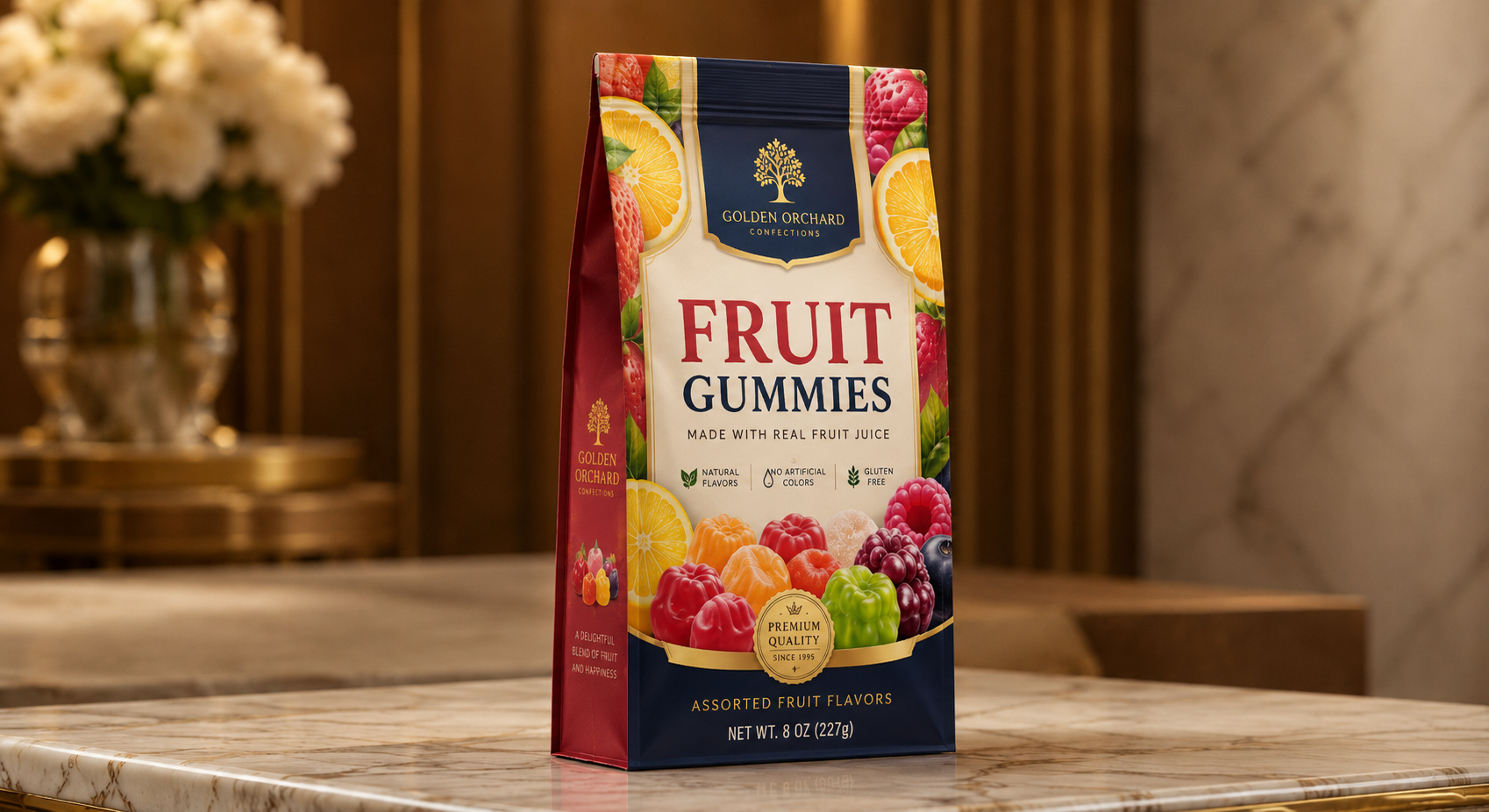
Can AI-generated concepts be used for packaging?
They can help with direction, but production still needs a real dieline, correct file setup, and reviewed label content.
What file format should I prepare?
It depends on the printer, but editable vector artwork is usually preferred for packaging.
Can Anacotte help clean up artwork?
Yes. We can help turn concepts and mockups into more production-ready packaging files.
Key takeaway
Prepress is not glamorous, but it saves launches. Get the dieline right, protect the safe zones, and review the boring details before production. Contact Anacotte if you want help checking your packaging artwork.


Leave a comment
This site is protected by hCaptcha and the hCaptcha Privacy Policy and Terms of Service apply.